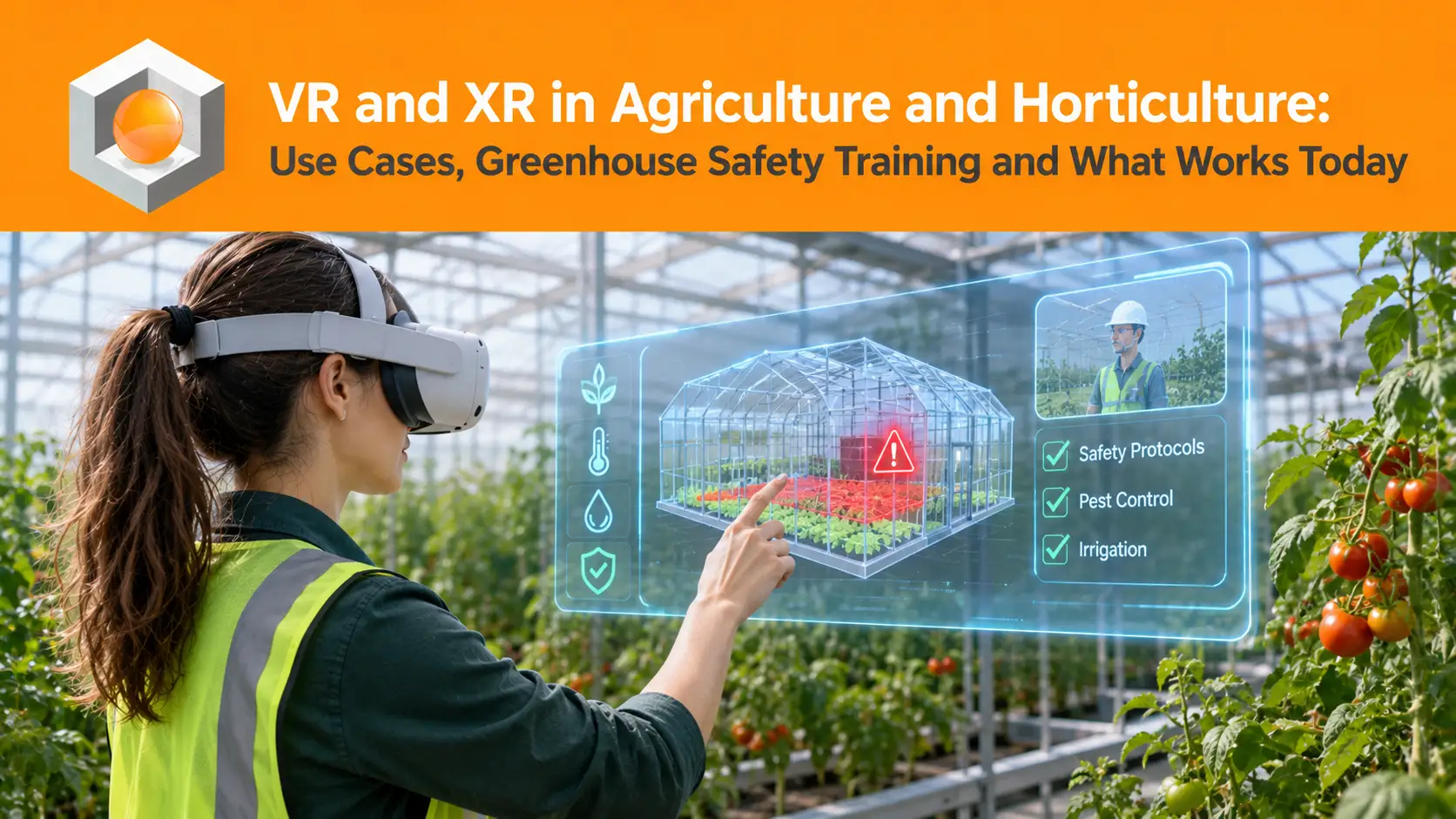
Virtual reality in agriculture has moved past the farm-simulator stage. Growers, agricultural schools and research greenhouses now use VR, AR and mixed reality for five practical jobs. They train people, show crop data, guide tasks, support maintenance and bring in remote experts. Some of these jobs are ready to deploy today. Others are still pilots in research greenhouses.
This guide separates the two. It explains what VR and XR mean on a farm or in a greenhouse and rates each use case by how mature it is. It then looks closely at the use case with the clearest business case today: safety training for greenhouse and seasonal teams.
The Short Answer
VR and XR in agriculture and horticulture are used for workforce training, crop and climate data visualisation, task guidance, remote maintenance and remote expertise. VR safety and onboarding training is the most mature of these, because it needs no greenhouse connectivity and gives every new or seasonal worker the same experience. AR overlays for crop data and harvesting support are promising but are still mostly at pilot stage, led by Dutch and US research programmes.
The sections below cover each use case in turn, starting with the terms themselves.
What VR and XR Mean on a Farm or in a Greenhouse
XR, or extended reality, is the umbrella term for three technologies. Virtual reality replaces the user's surroundings with a simulated one. Augmented reality adds digital information on top of the real crop, field or machine. Mixed reality anchors interactive digital objects in the real space. For a longer comparison, see our guide to the difference between AR and VR.
| Technology | What the user sees | Typical use in agriculture |
|---|---|---|
| Virtual reality (VR) | A fully simulated greenhouse, field, barn or machine | Hazard recognition, machine operation, onboarding before the first shift |
| Augmented reality (AR) | Data and instructions over the real crop or equipment | Climate heatmaps, harvest guidance, step-by-step maintenance |
| Mixed reality (MR) | Interactive 3D objects placed in the real room | Remote expert guidance, reviews of new greenhouse or machine layouts |
For a grower, the practical split is simple. VR belongs where people learn, such as a training room, a canteen or a site office. AR belongs where people work, between the crop rows or next to a machine. That difference decides most of what follows, including which use cases are ready today.
Why Agriculture Needs Immersive Training Now
Agriculture is one of the most dangerous places to work. In 2023, the US Bureau of Labor Statistics recorded 24.4 fatal injuries per 100,000 full-time workers in farming, fishing and forestry occupations. The rate for all workers was 3.5. That makes the risk roughly seven times higher than the average job.
The workforce is also changing all the time. Greenhouse horticulture relies heavily on seasonal and migrant labour. In September 2025, the Dutch Safety Board reported that 88 percent of migrant workers in the Netherlands are on temporary contracts. It found them overrepresented in workplace accidents and named horticulture among the sectors concerned.
Earlier findings by the Dutch Labour Inspectorate showed that workers who arrived only a few weeks before were more often involved in accidents.
Put together, the riskiest moment in a greenhouse is a worker's first weeks. That is exactly when classroom time is shortest, language barriers are largest and the season leaves supervisors little time to train. Training for this workforce has to be fast, repeatable and not dependent on reading a manual.
Expert Note
Peak season breaks classroom training
A greenhouse that hires a large seasonal intake every spring cannot run its induction the way an office does. Trainers are needed on the floor, new starters arrive in waves and the same briefing is repeated dozens of times. A format that runs in short, self-contained sessions, and that teaches by doing rather than by listening, fits this pattern better than a long induction day.
That operational pressure explains why training leads the list of XR use cases below, ahead of the more futuristic ideas.
Five Ways XR Is Used in Agriculture and Horticulture
A useful way to sort the field comes from the greenhouse sector itself. The XR sessions at the XR meets Horticulture event at World Horti Center in Naaldwijk grouped the topic into five jobs. The table rates each one by how ready it is today.
| Use case | What it does | Maturity today | Where it is happening |
|---|---|---|---|
| 1. Training (VR) | Hazard recognition, machine operation, onboarding | Ready to deploy | Greenhouse VR safety training, university virtual greenhouses |
| 2. Data visualisation (AR) | Climate readings and heatmaps shown over the crop | Pilot | Dutch AR prototypes and HoloLens 2 trials in research greenhouses |
| 3. Task support (AR) | Step guidance for harvesting, crop work and sampling | Research and pilot | Harvest-training trials, AR wayfinding for soil sampling |
| 4. Remote maintenance (AR and MR) | Guidance for technicians on climate systems and machinery | Early use in equipment service | Dealer and service technician programmes |
| 5. Remote expertise (VR and MR) | Specialists inspect crops or digital twins without travelling | Research | VR digital twins of greenhouses in US university research |
Each use case is explained below, in order of how ready it is.
1. Training and Onboarding
Training is the most mature use because it does not depend on the greenhouse itself. A VR session runs on standalone headsets in a training room, so wet air, crop height and Wi-Fi coverage do not matter. Education is moving the same way. Mississippi State University is developing a virtual greenhouse where students practise environmental controls and crop production, including situations that would be risky to stage for real.
2. Crop and Climate Data Visualisation
Modern greenhouses produce large volumes of sensor data, but most of it stays on an office screen. AR aims to bring it to the crop. Wageningen University & Research has tested HoloLens 2 headsets for visualising climate data and detecting crop stress. The RoboCrops project built a prototype that shows live readings and heatmaps directly on the work floor.
3. Task Support in the Crop
The same Wageningen research explores whether AR can help train harvesting staff while they work. Academic studies describe AR wayfinding that guides farmers through soil sampling and real-time support for identifying pests and diseases. These ideas are promising, but most are still at prototype stage.
4. Remote Maintenance
Climate computers, irrigation systems, harvesting robots and tractors all need specialist service. AR and MR let a technician on site follow instructions or share their view with an expert elsewhere. Equipment makers have explored this mainly for dealer and service technicians, which makes it one of the nearer-term uses.
5. Remote Expertise and Digital Twins
Researchers at Binghamton University have built VR digital twins of greenhouses. Users can check microclimates and plant health without walking the site, which the team sees as especially useful for older farmers and people with disabilities. Data reliability and latency remain the open questions.
Technical Note
Greenhouse Wi-Fi decides AR, not the headset
In-crop AR depends on network capacity, device portability and knowing exactly which plant the user is looking at. Wageningen's trials name all three as open questions. In tomato, for example, the head of the plant can be far from the pot where its identification tag sits. VR training avoids these constraints because it runs away from the crop, on headsets that do not need a live data feed.
This is the practical reason training is the place to start. It delivers value now, while the in-crop applications mature.
Greenhouse Safety Training in VR: The Use Case Ready Today
Greenhouse hazards are rarely dramatic. They are wet concrete paths, pipe-rail trolleys, electrical installations in humid air, crop protection products, moving machinery and blocked exits. Daily routine makes them easy to overlook, and new workers do not yet know where to look.
Greenhouse VR Risk Hunt Training puts the learner inside a realistic greenhouse and asks them to find what is unsafe. Trainees explore the environment, identify hazards and reflect on safer choices without facing any real danger. It follows the same method as HSE Risk Hunt Training, which industrial teams already use for hazard recognition.
| Hazard category in the scenario | Why routine hides it |
|---|---|
| Wet floors | Irrigation and cleaning keep paths wet, so slippery surfaces stop looking unusual |
| Electrical | Cables, lighting and pumps share space with water and humidity |
| Chemicals | Crop protection products and their containers become part of the background |
| Machinery | Trolleys, lifts and moving equipment work close to people in narrow rows |
| PPE | Gloves, eye protection and footwear are skipped when a task feels short |
| Exits | Stacked material and carts slowly block escape routes |
The method matters as much as the content. A trainee who finds a hazard has to notice it, judge it and decide what to do. That is closer to the real moment on the greenhouse floor than reading the same hazard on a poster.
Why VR Fits Seasonal Onboarding
- Before the first shift. New starters meet the common hazards before they step onto the floor.
- The same standard for everyone. Every intake sees the same scenario, whoever is training that day.
- Less reliance on reading. Learning by finding hazards depends less on written instructions.
- Repeatable during the season. Short refreshers can run between peaks without stopping production.
- Recorded results. Supervisors see which hazards each person found or missed.
For a broader view of how hazard-recognition training changes behaviour on site, see how VR training reduces workplace accidents.
Planning safety training for a seasonal greenhouse team?
Talk to RoT STUDIO about your crops, sites and intake calendar, and we will show you where VR fits into your onboarding.
Talk to Our TeamBefore that conversation, most growers want to know one thing first: whether the numbers work at their scale.
What VR Training Costs and Returns for a Grower
VR training pays back on volume. Content and headsets are fixed costs, and every extra learner adds little. In PwC’s study of VR training, VR reached cost parity with classroom training at 375 learners. Above that, it became steadily cheaper per person.
Horticulture often reaches that volume faster than its permanent headcount suggests, because the same hazards are taught to every seasonal intake. The full calculation, including every cost line, is in our guide to the ROI of immersive learning.
Expert Note
Count learners, not headcount
A greenhouse with a small permanent team may still train several hundred people a year once seasonal and agency workers are included. Those are the learners that belong in the business case. A farm with a small, stable team and few new starters has a much weaker case, unless a single serious incident would be costly enough to justify the training on its own.
Where the volume is low, a ready-made catalogue module is usually the better first step than a custom build, because it keeps the fixed cost small.
How to Start: A Five-Step Pilot for Growers
A VR pilot in horticulture should be small, timed to an intake and measured from the start.
- Pick the costliest hazard. Use your incident and near-miss records to choose where training should make a difference first.
- Record a baseline. Note current induction time, incidents and near misses for new starters before the pilot.
- Start from a ready module. Configure an existing greenhouse scenario to your site before considering a custom build.
- Run it with one intake. Train a single seasonal group before their first shift and compare them with the previous intake.
- Expand by site and crop. Keep one programme and one set of records as you add greenhouses or locations.
Two guides cover the next steps: how to connect results to existing systems through VR training LMS integration, and how to scale enterprise VR training across sites.
Frequently Asked Questions
These are the questions growers, HSE leads and agricultural educators ask most often about VR and XR.
How is virtual reality used in agriculture?
Virtual reality is used mainly for training: hazard recognition, machine operation and onboarding for new and seasonal workers. Universities also use virtual greenhouses for crop production education, and researchers use VR digital twins to inspect greenhouses remotely.
What is the difference between VR and AR in agriculture?
VR places the user in a fully simulated environment, so it suits training away from the crop. AR adds digital information over the real crop or machine, so it suits work in the greenhouse or field, such as viewing climate data or following maintenance steps.
Is VR training useful for seasonal greenhouse workers?
Yes. VR introduces common hazards before the first shift, gives every intake the same training and depends less on written instructions. It also records which hazards each worker found, which supervisors can use to target follow-up.
Can AR glasses work inside a greenhouse?
They can, but in-crop AR is still mostly at pilot stage. Research trials point to network capacity, device portability and plant-level positioning as the main constraints that need solving before wide use.
What does XR in horticulture mean?
XR, or extended reality, covers VR, AR and mixed reality. In horticulture it includes training, crop and climate data visualisation, task support, remote maintenance and remote expertise.
Do small farms benefit from VR training?
It depends on how many people they train and how serious their main risks are. Farms with few new starters usually get more from a ready-made module or shared programme than from a custom build.
Conclusion: Start Where the Risk Is Highest
XR in agriculture and horticulture is not one technology at one stage. In-crop AR and remote digital twins are still proving themselves in research greenhouses. VR safety training is ready now, and it targets the moment when the risk is highest: a new worker's first weeks on the floor.
For most growers, the sensible order is to start with training, measure it against a baseline, and keep an eye on the in-crop applications as they mature.
How RoT STUDIO Approaches This
At RoT STUDIO, we bring the same training methods used in heavy industry to greenhouse teams. Ready-made modules from the VR Training Catalogue can be configured to a site's crops and hazards. The RoT STUDIO License lets in-house teams build and update their own scenarios. Customized VR/XR Services cover environments that nothing existing fits.
Our work in other sectors follows the same principle. Tosyalı Holding needed to train teams on site without stopping production, which is the same constraint a greenhouse faces in peak season. More examples are on our case studies page.