Share This with Your Network!

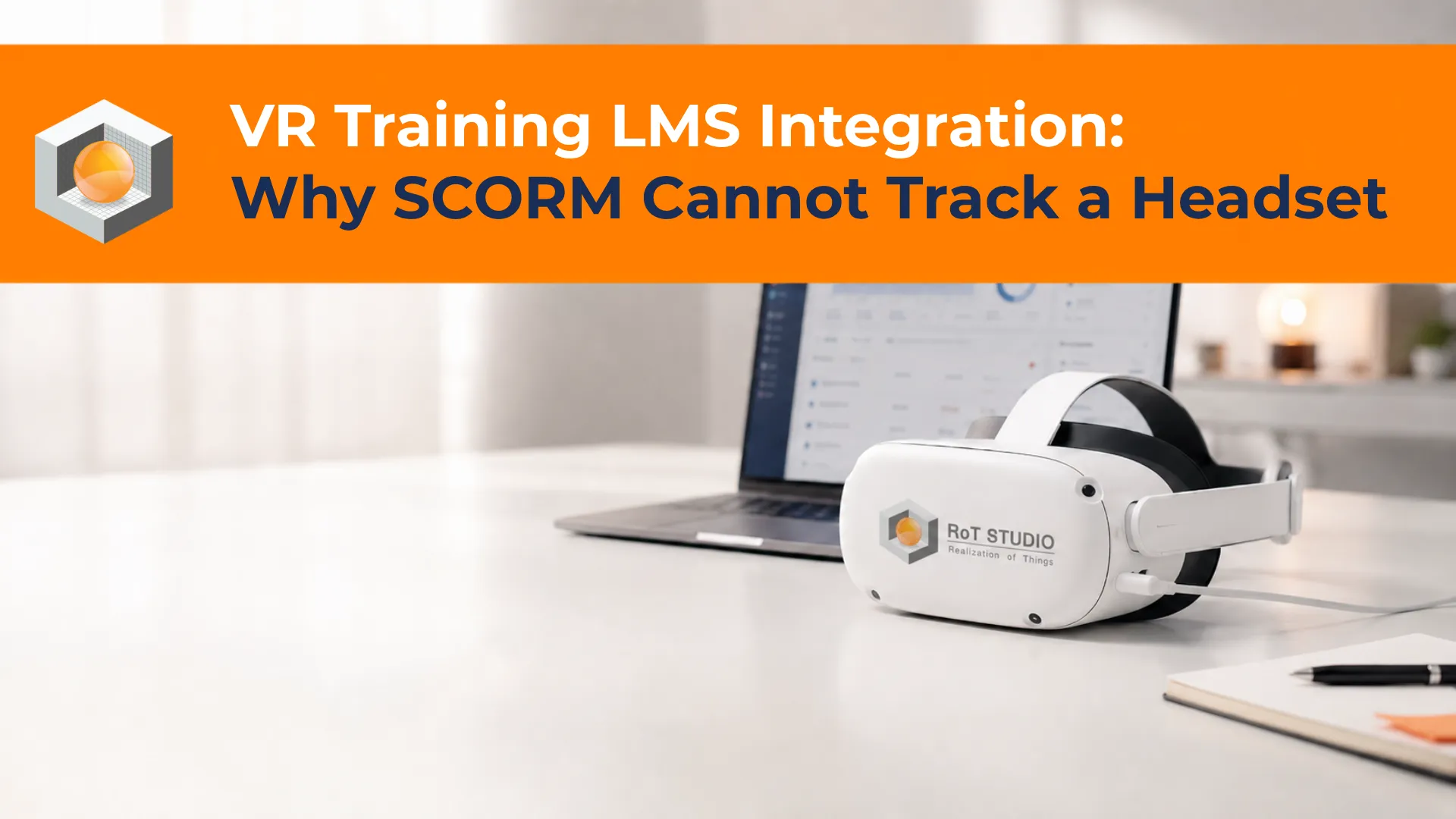
VR Training LMS Integration: Why SCORM Cannot Track a Headset

Summarize This Article with AI Open in your preferred AI assistant — pre-loaded with this page's URL

Click any AI assistant below to instantly summarize this article.

There is a moment in almost every enterprise VR training purchase where the conversation stops being about training. Someone from IT or L&D asks whether the VR modules will report into the existing learning management system, and the room waits.

The usual answer from a VR vendor is that the platform supports xAPI. That answer is true and incomplete, and the gap between the two is where projects stall for months. Supporting xAPI tells you the content can send data somewhere. It does not tell you the LMS can launch the training, receive a completion status it recognises, or attach that completion to the right employee record.

The technical reason this is harder for VR than for any other training format is rarely explained, so it gets discovered late. It comes down to a single fact: the standard almost every corporate LMS was built around cannot track a headset at all.

Why SCORM Cannot Track a VR Headset

SCORM has been the dominant corporate e-learning standard for over two decades, and most LMS platforms in use today treat it as the default. Content is packaged as a zip file, uploaded to the LMS, and launched from it. For a slide-based compliance module this works well and continues to.

The problem is not that SCORM is old. It is that three of its core assumptions are all false for VR, and none of them can be worked around.

It assumes the content runs in a browser

SCORM communicates through a JavaScript object that the LMS makes available to content running inside a browser frame. The content has to search the browser window tree to find that object and talk to it. A VR training module is not a web page. It is a native application installed on the headset, typically an Android package running on the device itself. There is no browser frame, no window tree, and nothing for the content to attach to. This is an architectural incompatibility rather than a version problem.

It assumes a live connection to the LMS

SCORM expects continuous communication with the LMS server for the duration of a session. Headsets frequently do not have that. A training room in a plant may be on a segregated network or none at all, devices are often used away from reliable coverage, and many organisations deliberately keep headsets off the corporate network. Training that works only while connected is training that fails on the shop floor.

Its data model discards the reason you bought VR

SCORM records a small, fixed set of values: completion, score, time spent, pass or fail. A VR simulation generates something far richer, including which decision a trainee took at each branch, how many attempts a task required, where they hesitated, and which errors recurred. Forcing that into the SCORM data model flattens it into a percentage. The organisation pays for behavioural evidence and then reports a completion tick, which is the outcome VR was meant to replace.

Beware the SCORM Wrapper

Some vendors answer the SCORM question with a browser-based launcher page that is SCORM compliant and simply tells the learner to put on a headset. The LMS then records that the learner opened a web page.

This satisfies a procurement checklist and evidences nothing. If a vendor offers SCORM support for headset content, ask precisely which events inside the simulation reach the LMS. The answer is often none of them.

The Standards That Actually Apply

Three standards come up in VR integration conversations. They are not competitors and choosing between them is the wrong framing, because they solve different parts of the same problem.

xAPI, which records what happened

xAPI, still often called Tin Can, describes learning events as short statements in an actor, verb, object form. A headset can send a statement reading that a named trainee completed a valve isolation sequence at a given time with a given score, and it can send one for every meaningful action inside the simulation. Crucially the statements go to a separate database rather than to the LMS, and they can be queued on the device and sent once it reconnects. That solves both the browser problem and the offline problem. What xAPI does not define is how the LMS launches the content or what officially counts as finished.

cmi5, which is the part most teams are missing

cmi5 is a set of rules layered on top of xAPI that restores what SCORM provided and raw xAPI left out: how content is packaged, how the LMS launches it, and what completion and pass formally mean. It was produced by the same standards bodies behind SCORM and xAPI, specifically to close this gap.

The mechanism matters for VR. Rather than injecting a JavaScript object, cmi5 launches content through a URL carrying parameters, and the content reads those parameters to learn where to send its data. No browser is required, so the content can be written in any language capable of making an HTTP request, which includes a headset application. It also defines how a session that ran offline reconciles once the device is back online. For VR training that needs to appear in an LMS as a real, completed, attributable course, cmi5 is the standard that makes it work.

LTI, which usually does not apply

LTI launches a live hosted service from inside an LMS and passes a grade back. It is common in higher education and it comes up in these conversations, but it assumes the learning happens in a hosted browser session. For headset-based training it is generally the wrong tool, and it is worth ruling out early rather than allowing it to widen the evaluation.

StandardWhat it doesFit for headset VR
SCORMPackages and launches browser content, reports basic valuesNot usable, needs a browser and a live connection
xAPIRecords detailed events to a separate store, works offlineNecessary, but does not launch or complete
cmi5Adds launch, packaging and completion rules on top of xAPIThe practical answer for LMS-visible VR
LTILaunches a hosted browser tool, passes a grade backRarely applicable, rule it out early

Will it report into your LMS?

That question decides more VR training purchases than content quality does. Ask the RoT STUDIO team how training data reaches your systems before the pilot, not after it.

The Learning Record Store, and Whether You Need One

Both xAPI and cmi5 send data to a learning record store rather than into the LMS directly. The store is a database built to hold learning statements, and it is the component most organisations do not know they are buying until integration begins.

Some LMS platforms include one. Many do not, and where the LMS is older or heavily customised, a separate store is usually required. This is a genuine cost line and it belongs in the business case rather than surfacing as a surprise during implementation.

It also raises a question worth settling early with the information security team. Learning statements from VR contain granular behavioural data about identifiable employees, and where that store sits, who administers it, and how long statements are retained are decisions that become expensive to revisit once data is flowing. Organisations operating under European data protection rules should resolve the hosting location before the first pilot rather than after.

What to Ask a VR Vendor About Integration

Most integration failures trace back to questions nobody asked during evaluation. These separate a platform that will connect to your systems from one that will require a project to do so.

Start with the standard itself. Ask whether the content ships as a cmi5 package or only sends xAPI statements, because the second alone will not give the LMS a completion it recognises. Ask which specific events inside a simulation are sent, since a vendor reporting only completion is offering little more than SCORM would. Ask what happens to a session completed with no network connection, and how and when it reconciles.

Then move to identity and data. Ask how a headset knows which employee is using it, because shared devices are the norm and an unattributed record is worthless for compliance. Ask whether the platform brings its own learning record store or expects you to supply one, and where that store is hosted. Ask who can see individual behavioural data and whether reporting can be restricted to aggregate views.

Finally, ask which LMS platforms the vendor has already connected to in production, and request a reference. Standards compliance on paper and a working connection to your particular LMS version are different claims, and the difference tends to appear in week three of implementation. If you are still comparing platforms at this stage, these questions belong alongside the criteria in a broader VR training platform evaluation.

Frequently Asked Questions

These come up consistently once a VR pilot moves toward a wider rollout and the learning technology team joins the conversation.

Can VR training work with SCORM at all?

Not for content running on a headset. SCORM requires a browser-hosted JavaScript connection to the LMS, and a headset application has neither. Where a vendor claims SCORM support, it usually means a browser launcher page that records that the page was opened, which evidences nothing about the training itself.

Is xAPI enough on its own?

It is enough to capture the data and often enough for analytics. It is not enough to make the training behave like a course in the LMS, because xAPI defines no launch mechanism and no formal completion. Teams that adopt xAPI alone typically end up with rich data in a store and an LMS that still shows nothing against the employee record.

Does our existing LMS support cmi5?

Support is less universal than for SCORM and needs checking against your specific platform and version rather than assumed from a vendor’s marketing page. Where an LMS does not support cmi5, the common approach is to run a learning record store alongside it and pass a simplified completion into the LMS, keeping detailed data in the store. That works, and it should be planned deliberately rather than improvised.

How does a shared headset know who is training?

This is a design decision, not something a standard resolves. Options include signing in on the device, launching from a trainer-controlled dashboard that assigns the session, or scanning a badge. Whichever is chosen affects how records attribute, so it needs deciding before deployment. Shared-device attribution is the most common cause of unusable training records in VR rollouts.

Is a learning record store an extra cost?

Often yes. Some LMS platforms include one and some VR vendors provide one, but where neither applies it is a separate product with its own licence and hosting. It should appear in the business case from the beginning rather than emerging during implementation.

How long does an LMS integration usually take?

The variable that dominates is whether the LMS already supports the standard and whether a record store exists. Where both are in place the work is configuration. Where a store must be procured, security review is required, and identity handling has to be designed for shared devices, it becomes a project with its own timeline and should be scoped alongside content development rather than after it.

Treat the Data Path as Part of the Purchase

VR training is usually bought on the strength of the experience, demonstrated in a headset to people who find it convincing. The reporting question arrives later, often after content is built, and by then the options have narrowed to whatever the platform already supports.

Reversing that order costs very little. Settling which standard the content will ship against, where records will be stored, how completion is defined, and how a shared headset attributes a session takes a short conversation before procurement and removes the failure mode where an organisation owns excellent training it cannot evidence. For regulated work, where the record is the point, that conversation is not optional.

How RoT STUDIO Approaches This

RoT STUDIO treats the data path as a scoping decision taken at the start of a project rather than an integration handled at the end. The Trainer Module records per-trainee performance across scenarios, including attempts, decision patterns and completion, which is the data an xAPI or cmi5 connection carries into a learning record store.

Because the required standard and the completion definition depend on the client’s existing learning stack, those are settled during scoping alongside the scenario design. Ready-made content from the VR Training Catalogue and bespoke work through Customized VR/XR Services follow the same approach.

Organisations without an existing LMS commitment sometimes find the reporting layer sufficient on its own, which is worth establishing early since it removes an integration project entirely. The wider VR and XR training solutions range applies the same principle across operational, technical and behavioural programmes.

🥽
See VR Training Live in Action

See how immersive VR/XR training can transform your workforce performance

Explore how RoT STUDIO helps organizations improve training impact with scalable, realistic, and measurable learning experiences designed for today’s operational needs.

Faster Skill Acquisition
Higher Knowledge Retention
Safer Hands-On Practice
Scalable Training Delivery

YOU MIGHT ALSO LIKE

RoT BLOG